Browse by topic
Latest from the blog
-
Stolen Device Protection iPhone: Turn It On
If a thief steals your iPhone and already knows your passcode, turning on stolen device protection iphone is the single most important setting you can change today. This guide from Mobile Phones Shops UK explains what the feature does and how to switch it on in under a minute. What is Stolen Device Protection? Stolen…
-
iPhone Virus Protection: Do iPhones Get Viruses?
Yes — iphone virus protection is built into every iPhone from the start, so classic self-spreading viruses are very rare on iPhones. Apple designed the system so apps run in their own sealed-off space, and every App Store app is checked before download. That does not mean an iPhone cannot be harmed. The real danger…
-
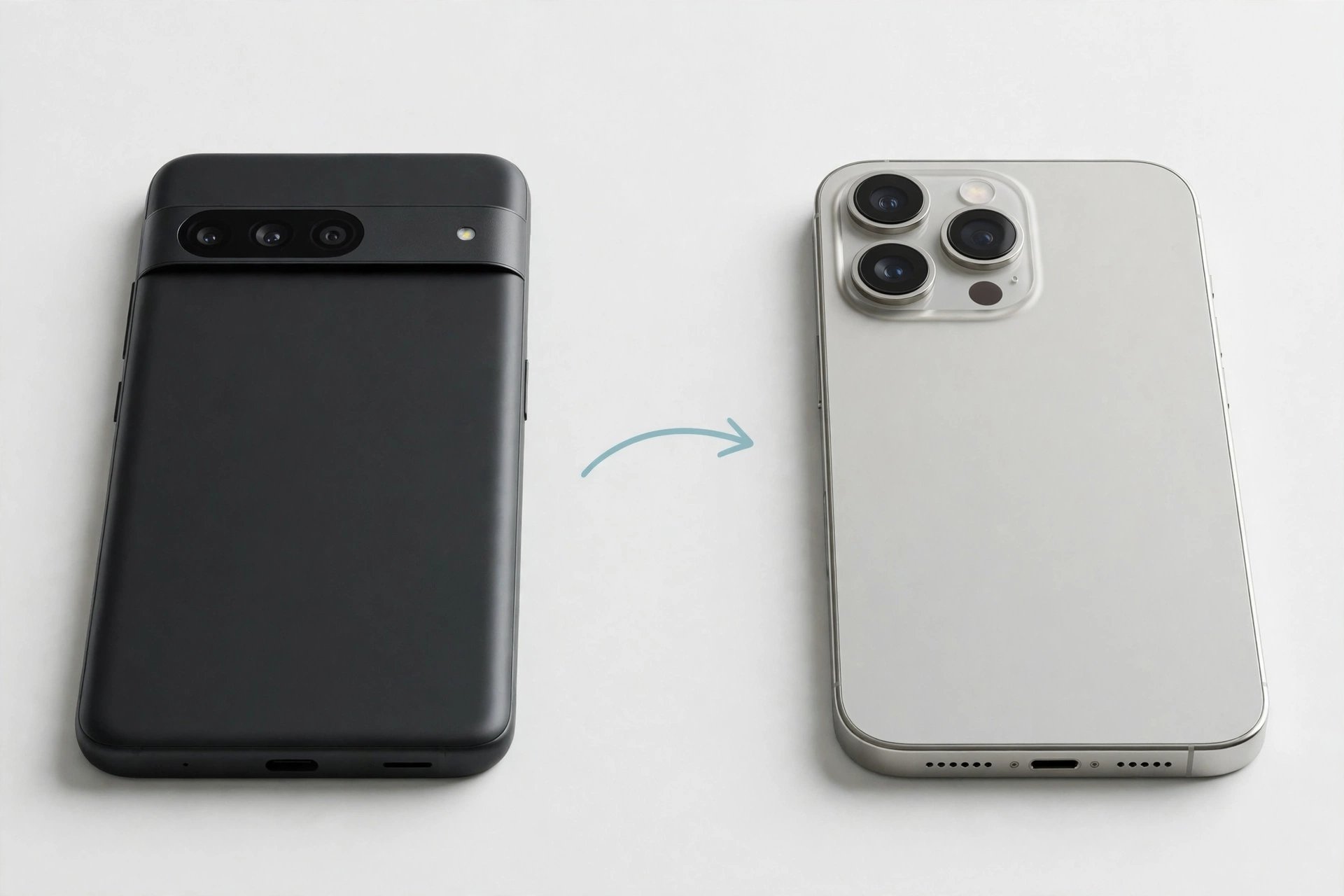
How to Transfer WhatsApp Android to iPhone
If you want to know how to transfer whatsapp android to iphone, the official way is to use Apple’s Move to iOS app while you are setting up your new iPhone, before WhatsApp is active on it. You do not need a cable, a computer, or extra software. This guide explains how to transfer whatsapp…
-
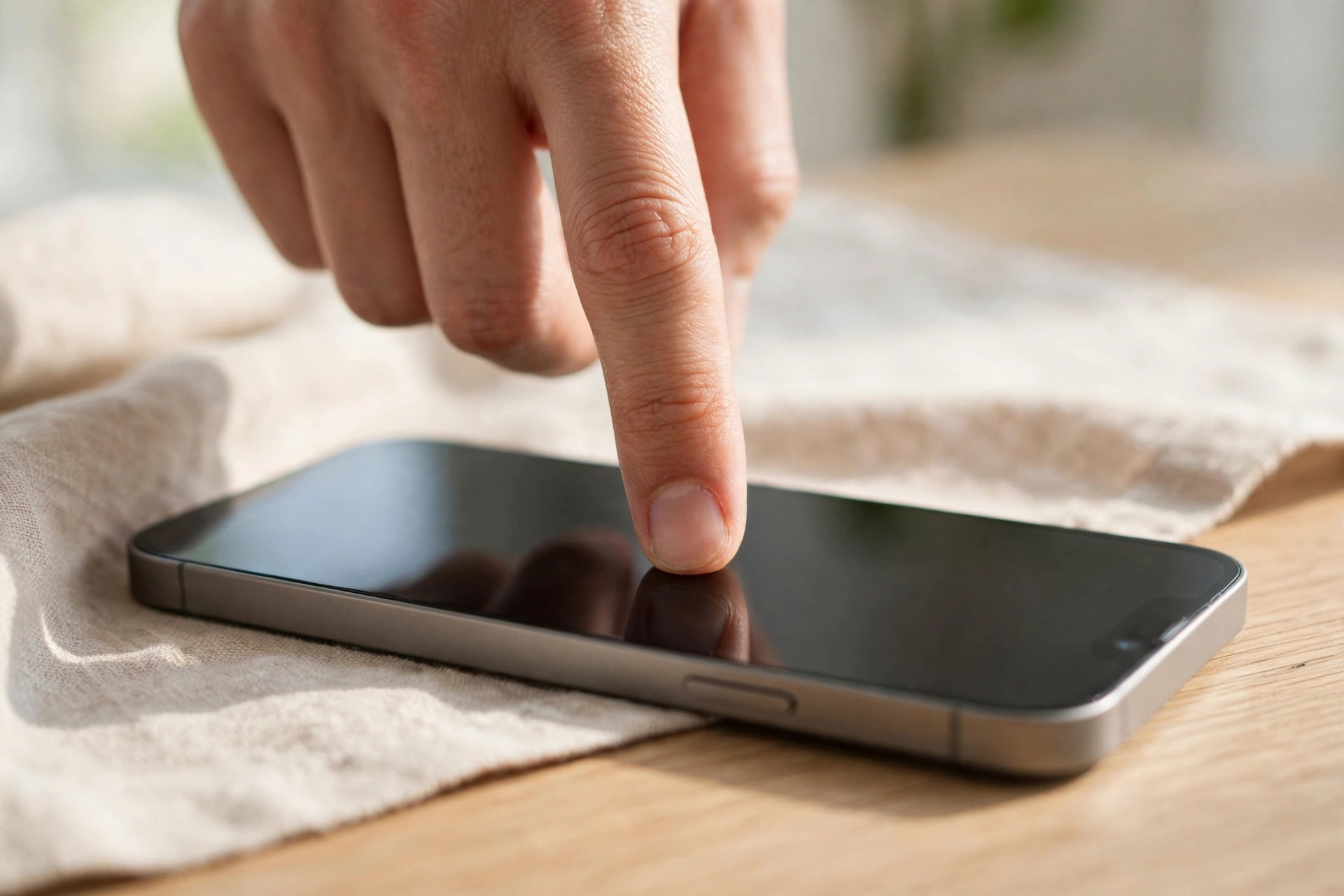
How to Fix iPhone Screen Not Responding
If you are wondering how to fix iphone screen not responding, start with the simplest checks: clean the screen, remove the case and screen protector, and force restart your iPhone. Many cases are caused by dirt, a poor-fitting case, a faulty charger, or a temporary software glitch, and you can often sort them out at…
-
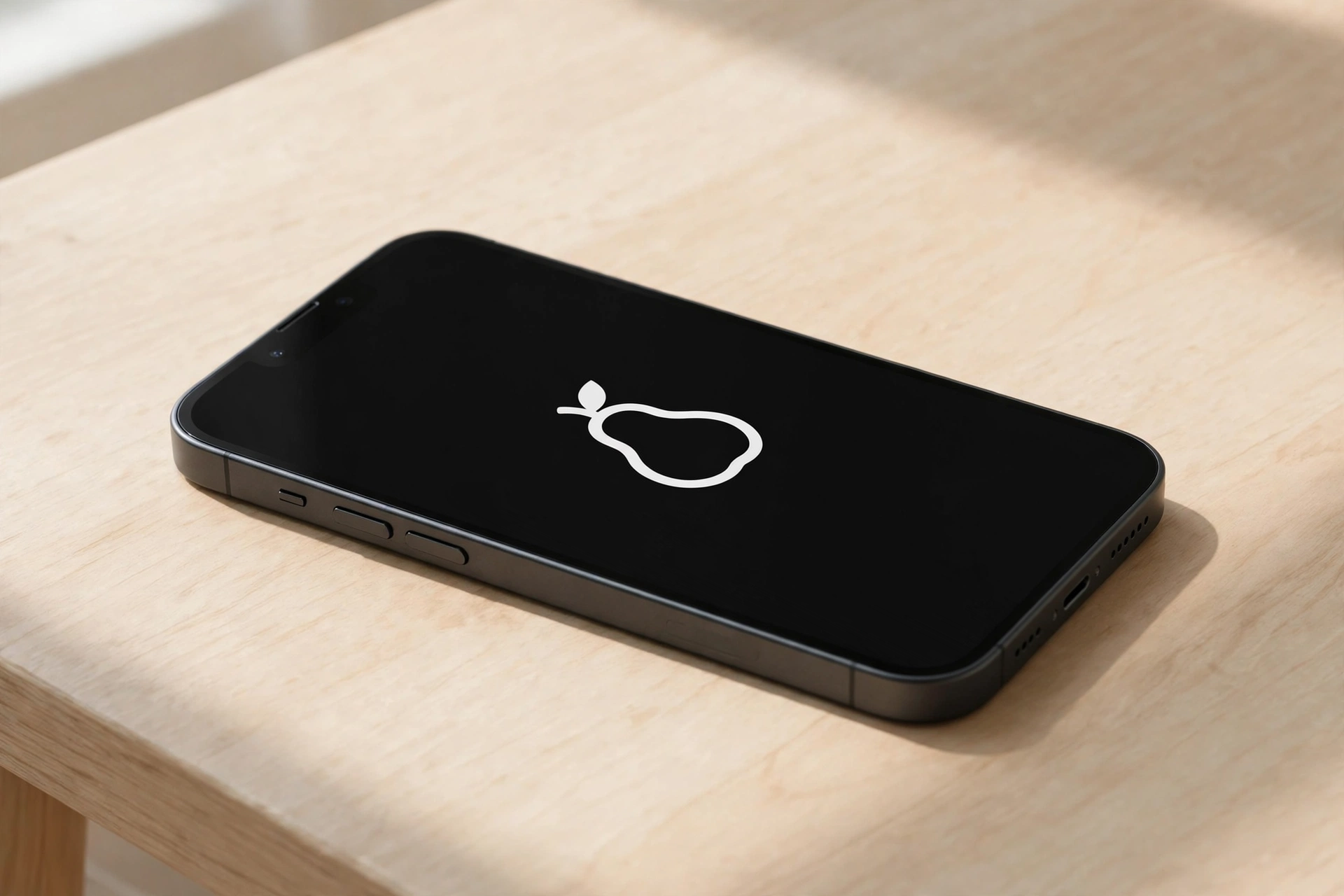
How to Fix iPhone Stuck on Apple Logo
If you need to know how to fix iphone stuck on apple logo, start by waiting a little longer, then try a force restart, and only move on to Recovery Mode if the logo is still there. In most cases, one of these steps gets your iPhone starting again without losing your photos, messages, or…
-
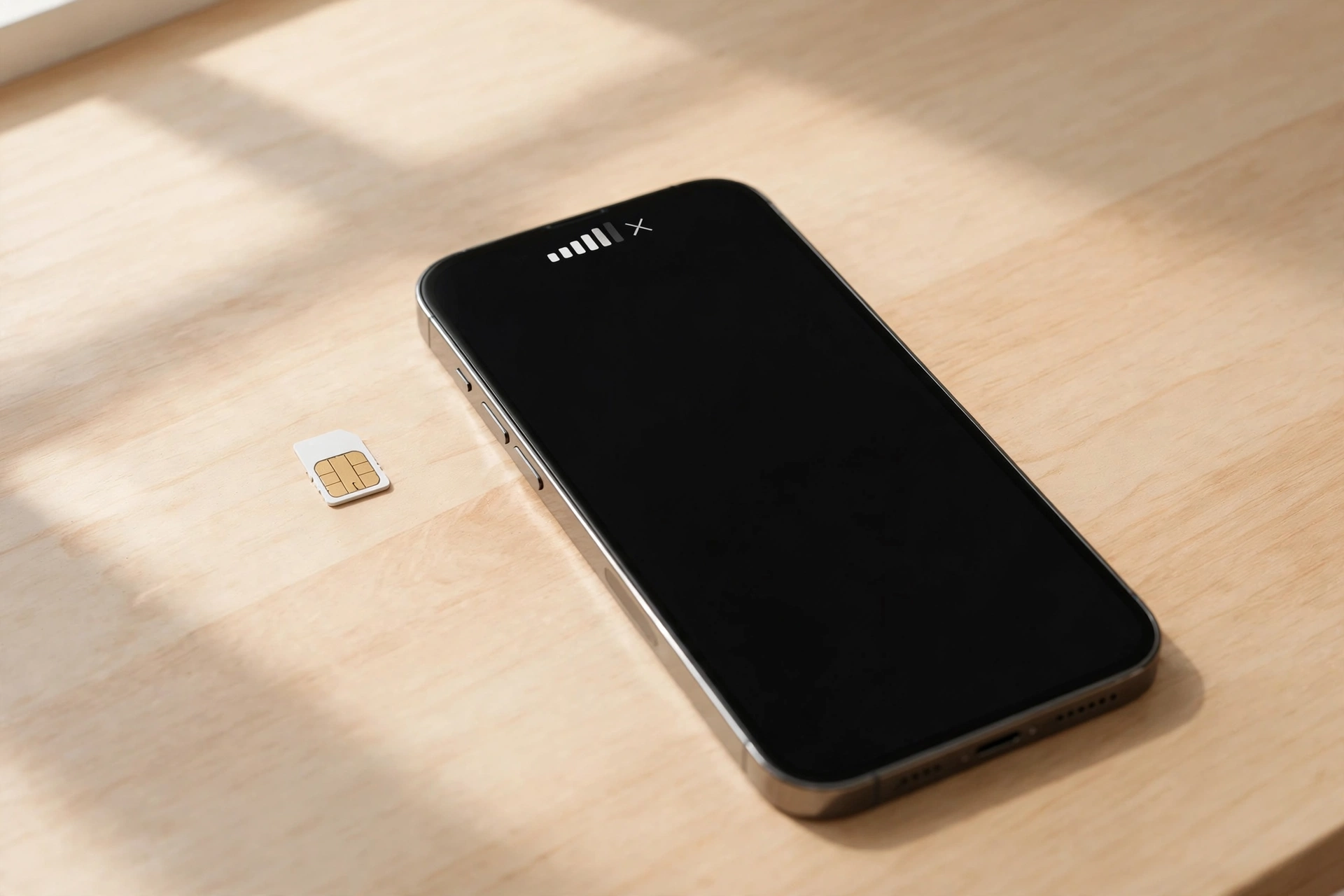
How to Fix iPhone No Service
If you are wondering how to fix iphone no service, start simple: toggle Airplane Mode, restart your iPhone, and check your SIM. No Service means your iPhone cannot reach your mobile network, so calls, texts, and mobile data will not work until it returns. Wi-Fi still works, so many people only notice the problem away…
-
How to Update iPhone Software
Learning how to update iphone software is straightforward, and you can do it wirelessly from your iPhone or with a computer in a few clear steps. Keeping your mobile up to date helps it run smoothly, stay secure, and work well with the apps you use every day. This guide covers what to check first,…
-
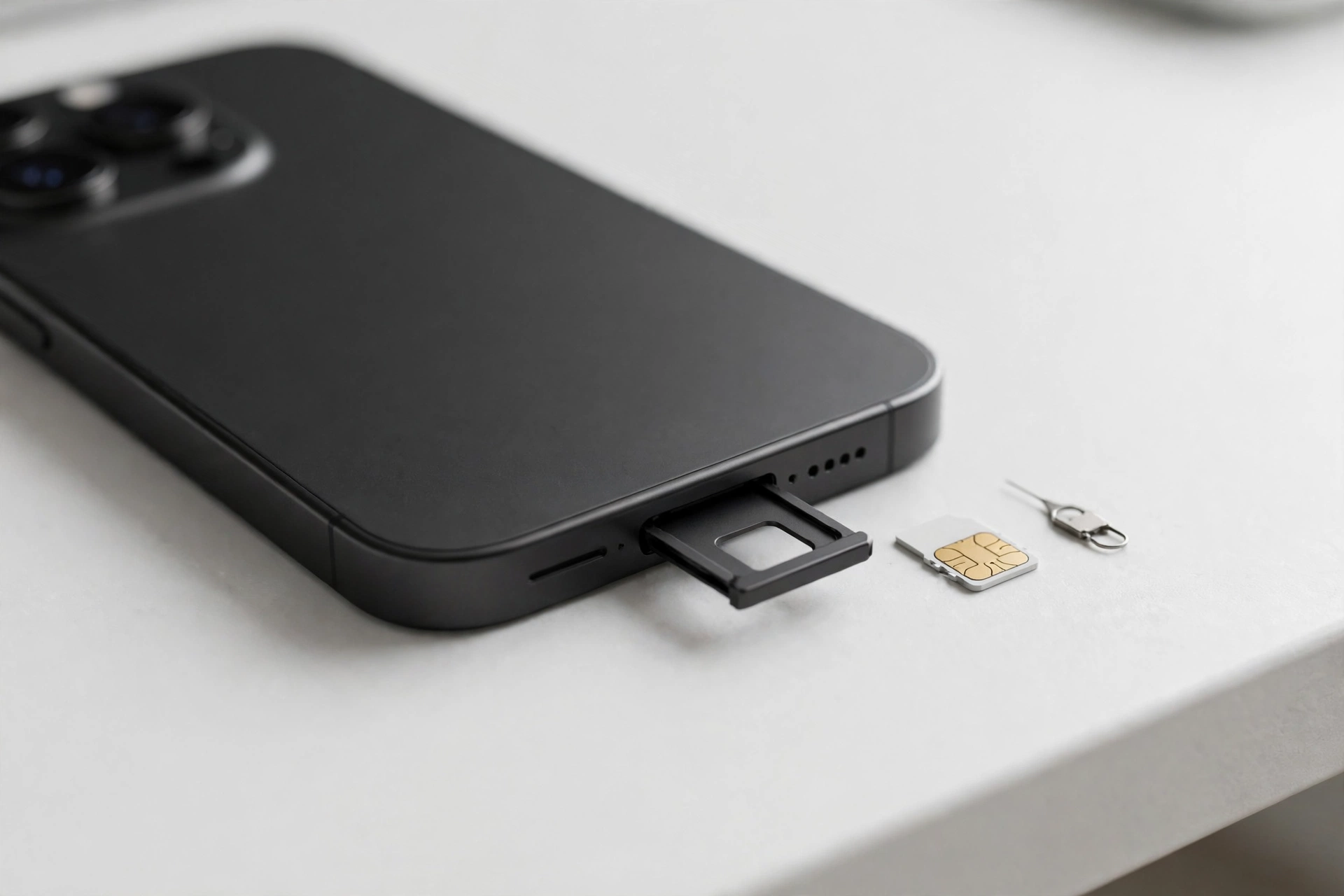
How to Check IMEI on iPhone
Learning how to check imei iphone details is quick, and you can do it in under a minute once you know where to look. Your IMEI is a unique number that identifies your handset, and there are several ways to find it. What Is an IMEI and Why Does It Matter? An IMEI is a…
-
How to Find My iPhone
Learning how to find my iphone is easier than most people expect, as long as Find My was switched on before the phone went missing. With Find My, you can see your phone on a map, play a sound to help you locate it nearby, and lock it remotely if it has been stolen. This…
-
How to Factory Reset a Samsung Phone
Learning how to factory reset samsung phones is straightforward, and this guide walks you through both methods step by step. A factory reset wipes your phone back to how it was when it first left the box, so do it properly: back up first, remove your accounts, then pick the method that suits your situation.…