Latest posts
-
How to Free Up Storage on Samsung
If you are wondering how to free up storage samsung phones quickly, the fastest way is to check what is using the most space in Settings, then delete apps you no longer use, clear cached data, and remove duplicate photos and videos. A full mobile can stop you taking photos and slow down updates. Most…
-
How to Check Samsung Battery Health
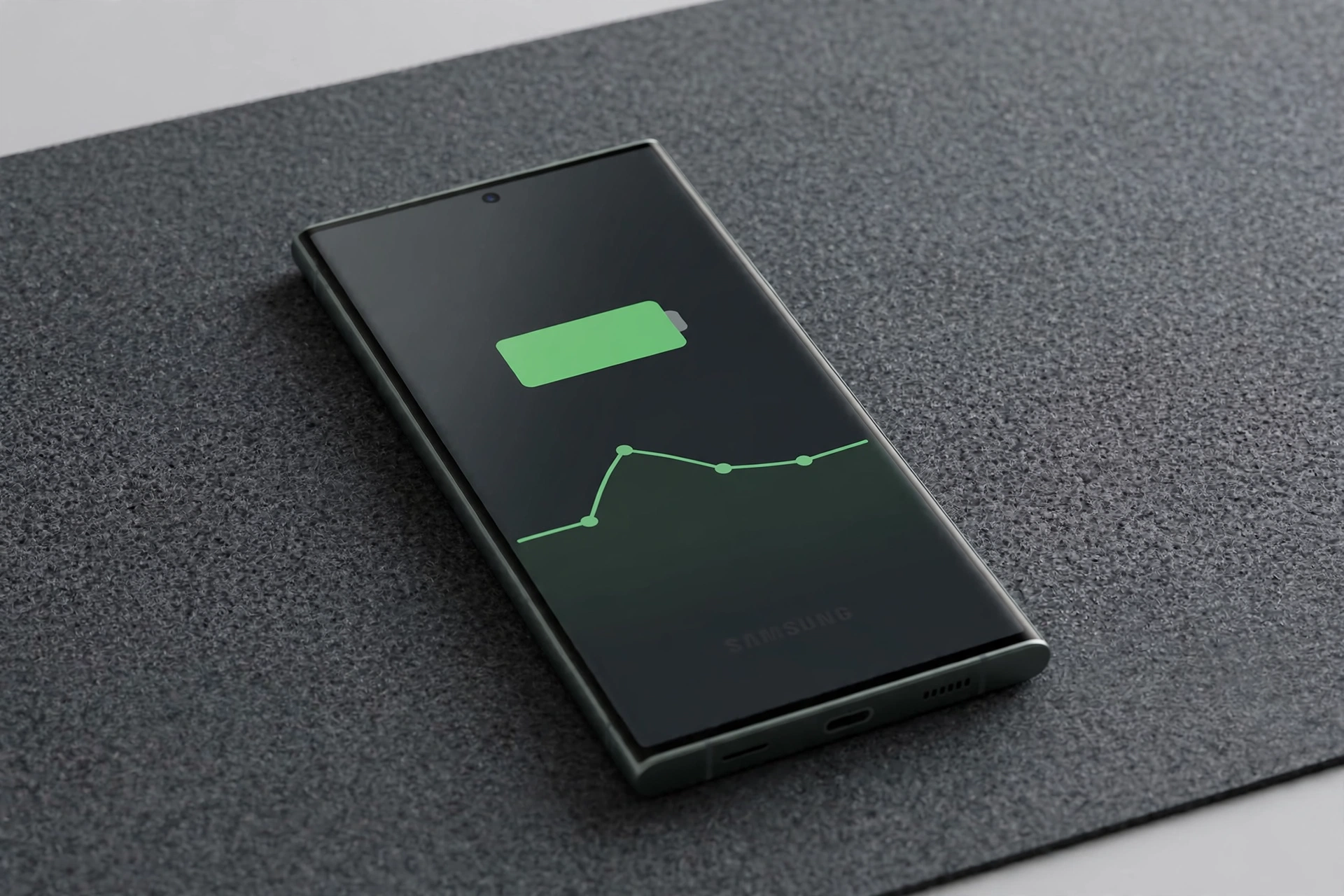
Learning how to check samsung battery health is the quickest way to find out whether your Galaxy phone still holds a charge well or whether something else is draining it. You can do it in a few taps from Settings, and you can also run a quick diagnostic in the Samsung Members app. Most Samsung…
-
How to Back Up an iPhone
If you are wondering how to back up iphone before an update, a repair, or a move to a new handset, the short answer is to use iCloud over Wi-Fi or connect your phone to a computer and save a copy there. A backup keeps a copy of your photos, messages, settings, and app data,…
-
How to Fix an Overheating iPhone
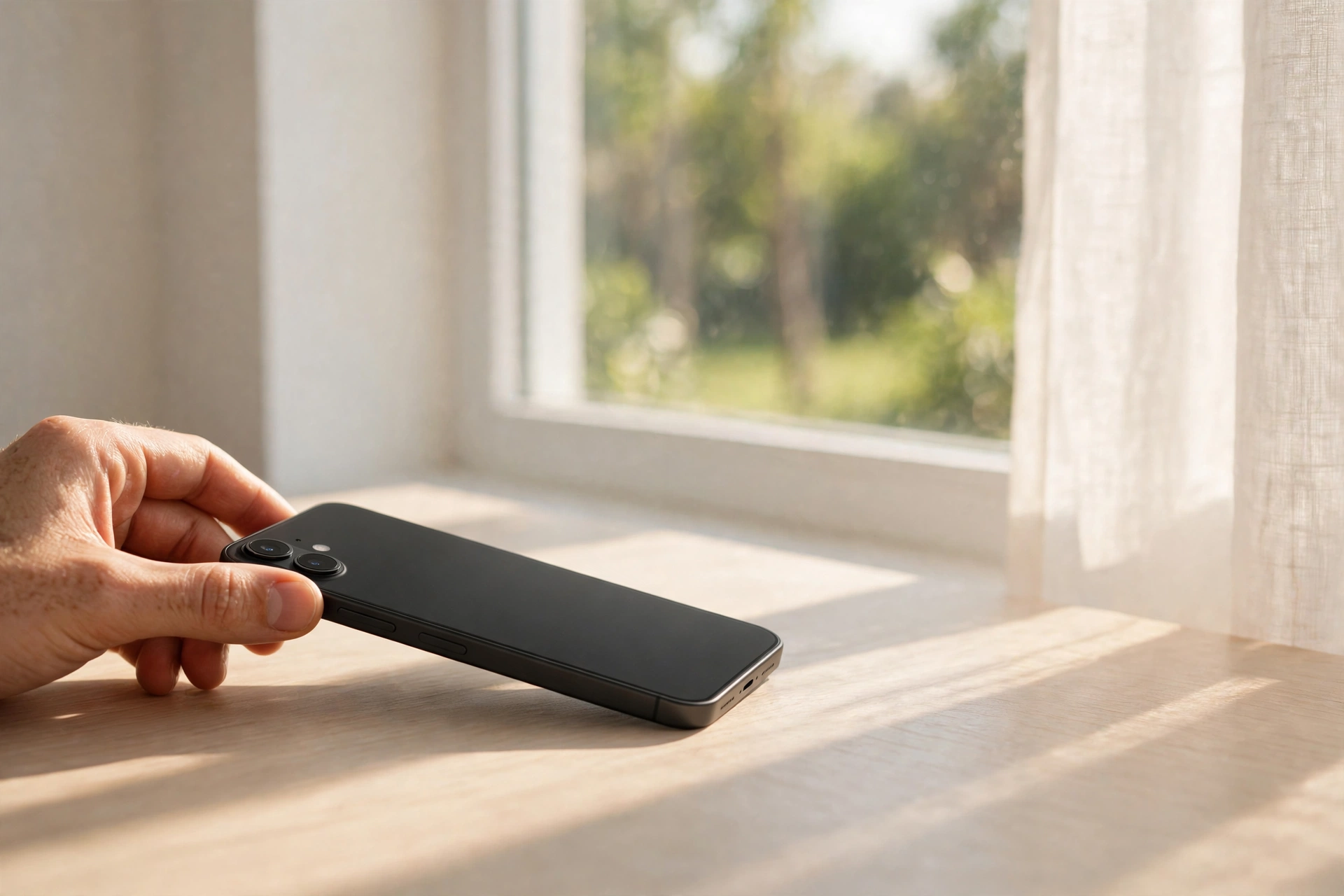
If you are wondering how to fix iphone overheating, start by moving your phone out of direct sunlight, removing its case, and stopping charging and heavy use until it feels cool again. An iPhone that feels warm during charging or a long video call is often working normally, but one that stays hot, slows down,…
-
How to Fix an iPhone Not Charging
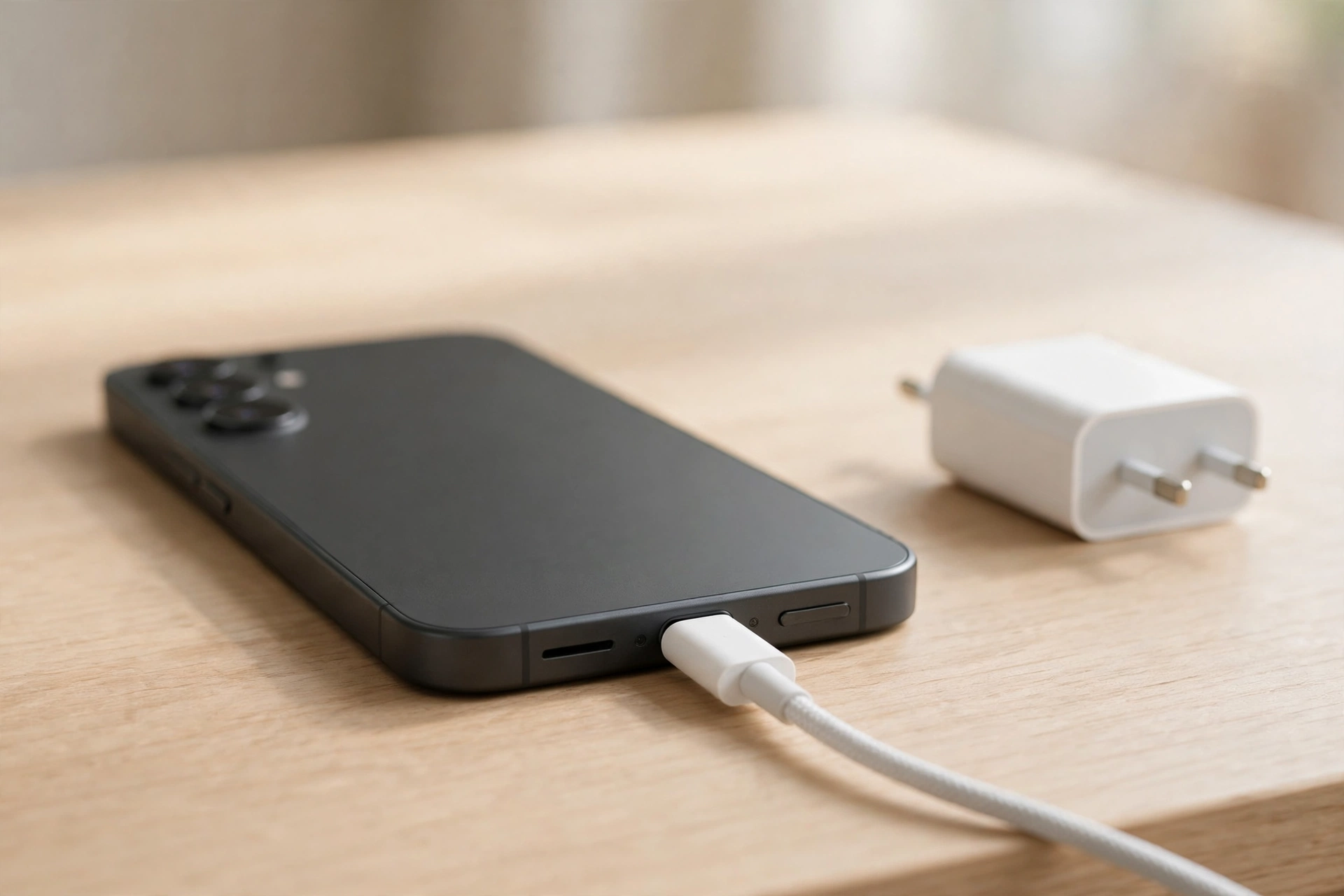
If you are wondering how to fix iphone not charging, start with the simplest checks first: inspect the cable and charger, clean the port gently, try another socket, and restart your phone before assuming the battery or the port has failed. An iPhone that will not charge is frustrating, especially when you need it for…
-
How to Factory Reset an iPhone
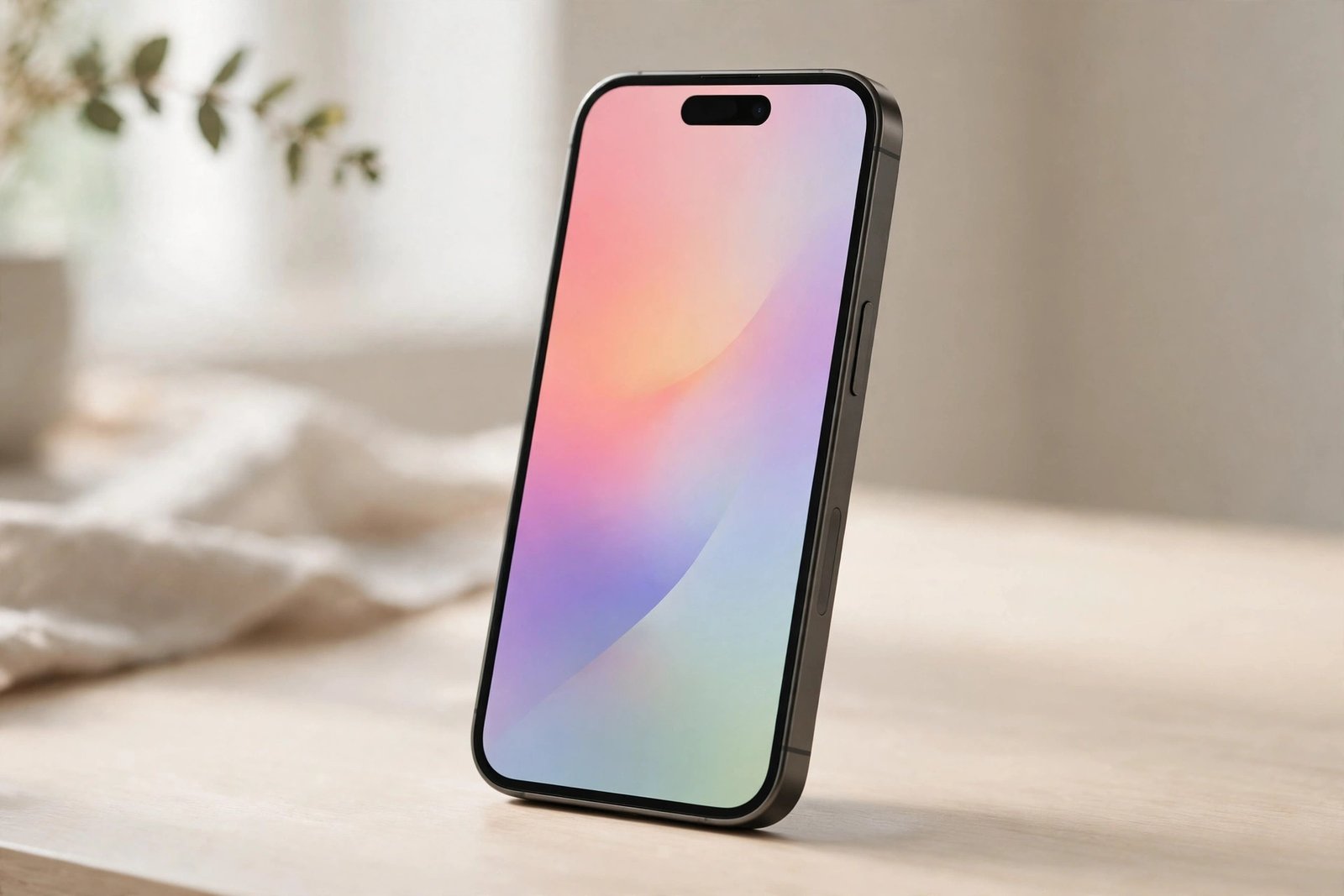
How to factory reset an iPhone: back it up first, sign out of your Apple ID and turn off Find My, then go to Settings > General > Transfer or Reset iPhone > Erase All Content and Settings and confirm. The phone will erase everything and return to the Hello screen, ready to be set…
-
How to Transfer Data from Android to iPhone

Transfer data Android to iPhone with Apple’s free Move to iOS app while you are setting up your new iPhone. It moves your contacts, messages, photos, videos and most of your accounts over Wi-Fi, without cables or a computer. What do you need before you start? Charge both phones and keep them plugged in during…
-
How to Free Up Storage on iPhone
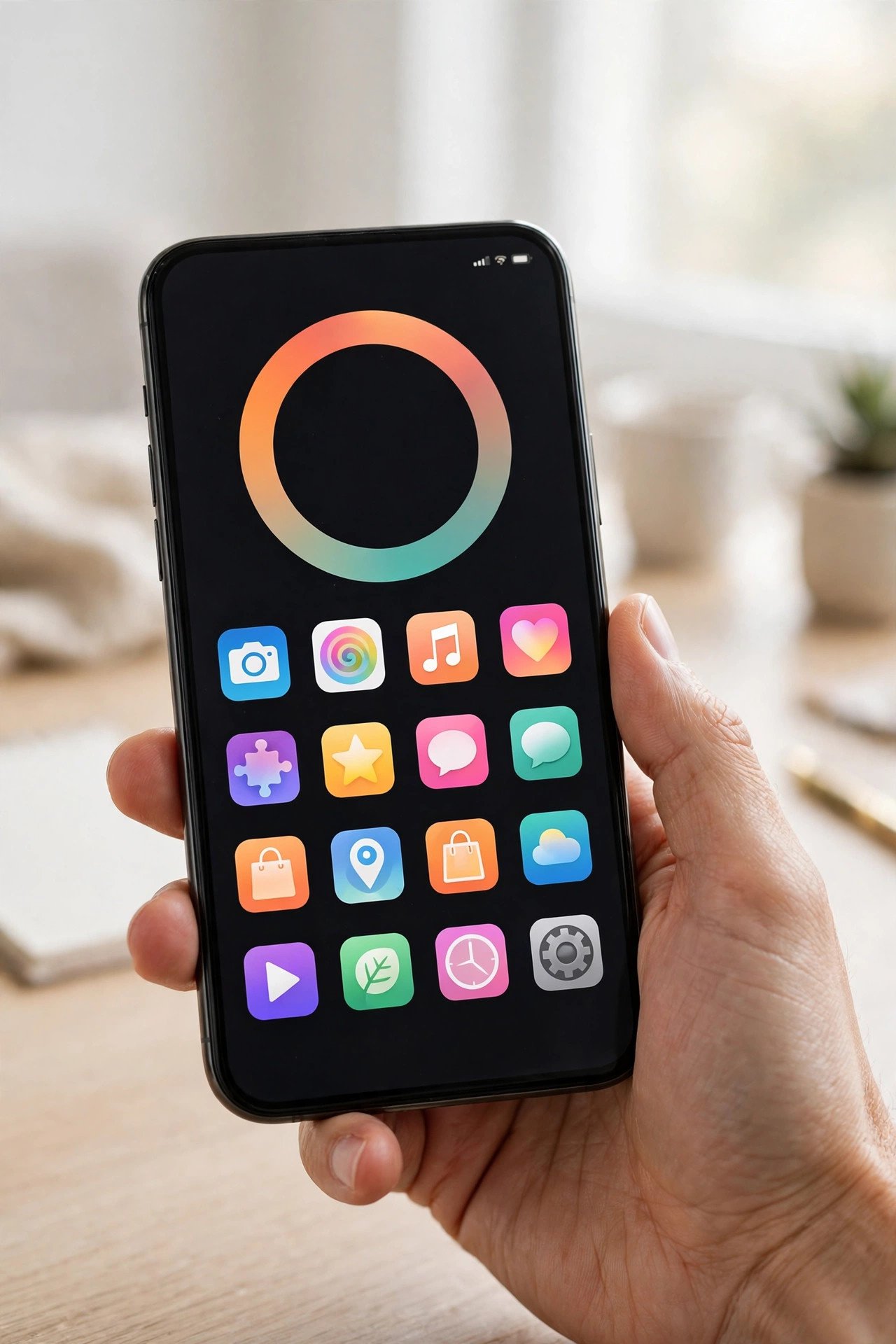
How to free up storage on iPhone: go to Settings > General > iPhone Storage, see what is using the most space, then delete or offload large apps, clear Safari data, remove old message attachments, and optimise your photos. A few of these steps will usually recover several gigabytes without deleting anything important. A full…
-
How to Check Battery Health on iPhone
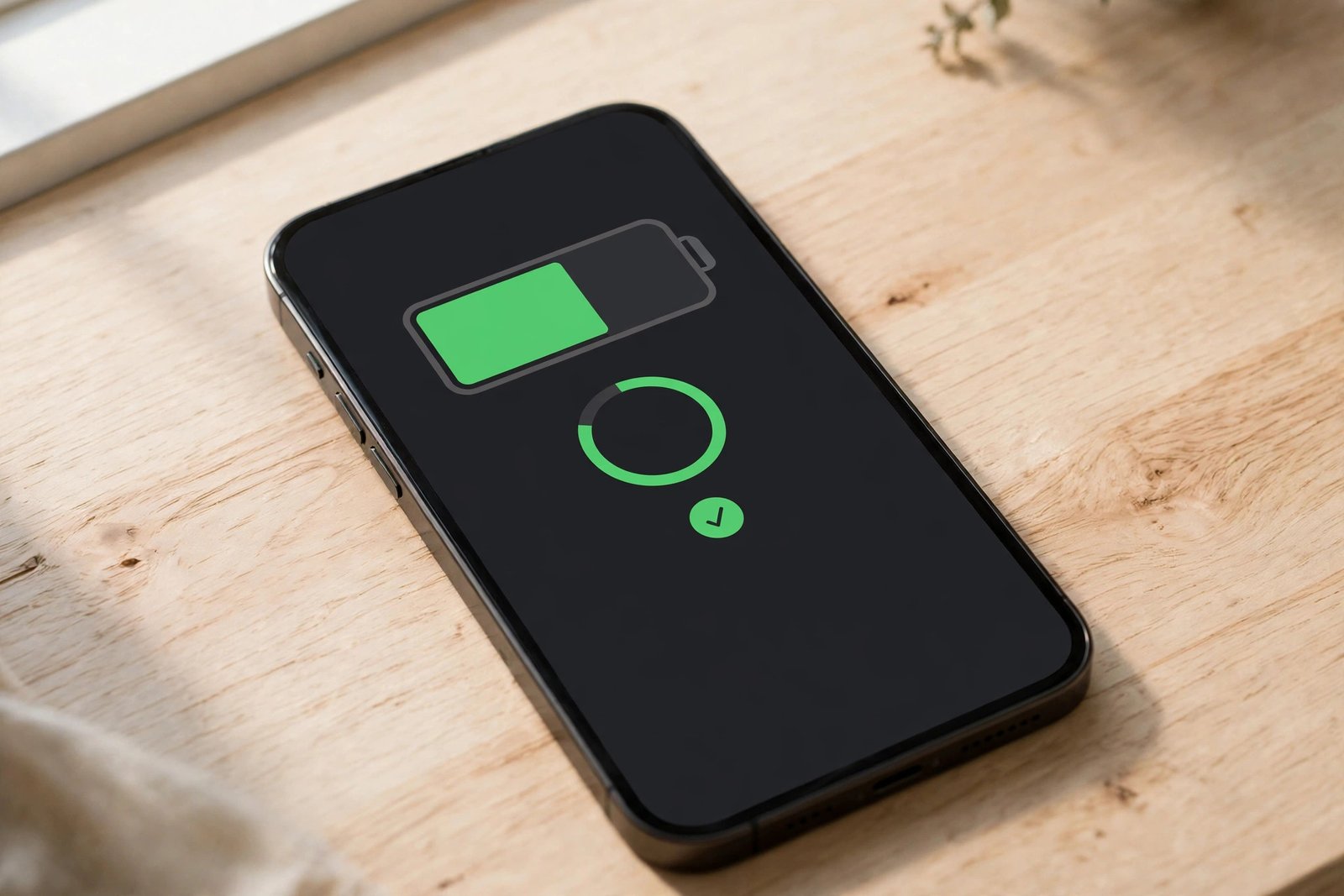
How to check battery health on iPhone: open Settings, tap Battery, then tap Battery Health & Charging. There you will see your Maximum Capacity, a Peak Performance Capability message, and any service notice if the battery needs attention. The battery icon shows how much charge is left right now. How to check battery health on…
-
iPhone Battery Draining Fast? How to Fix It
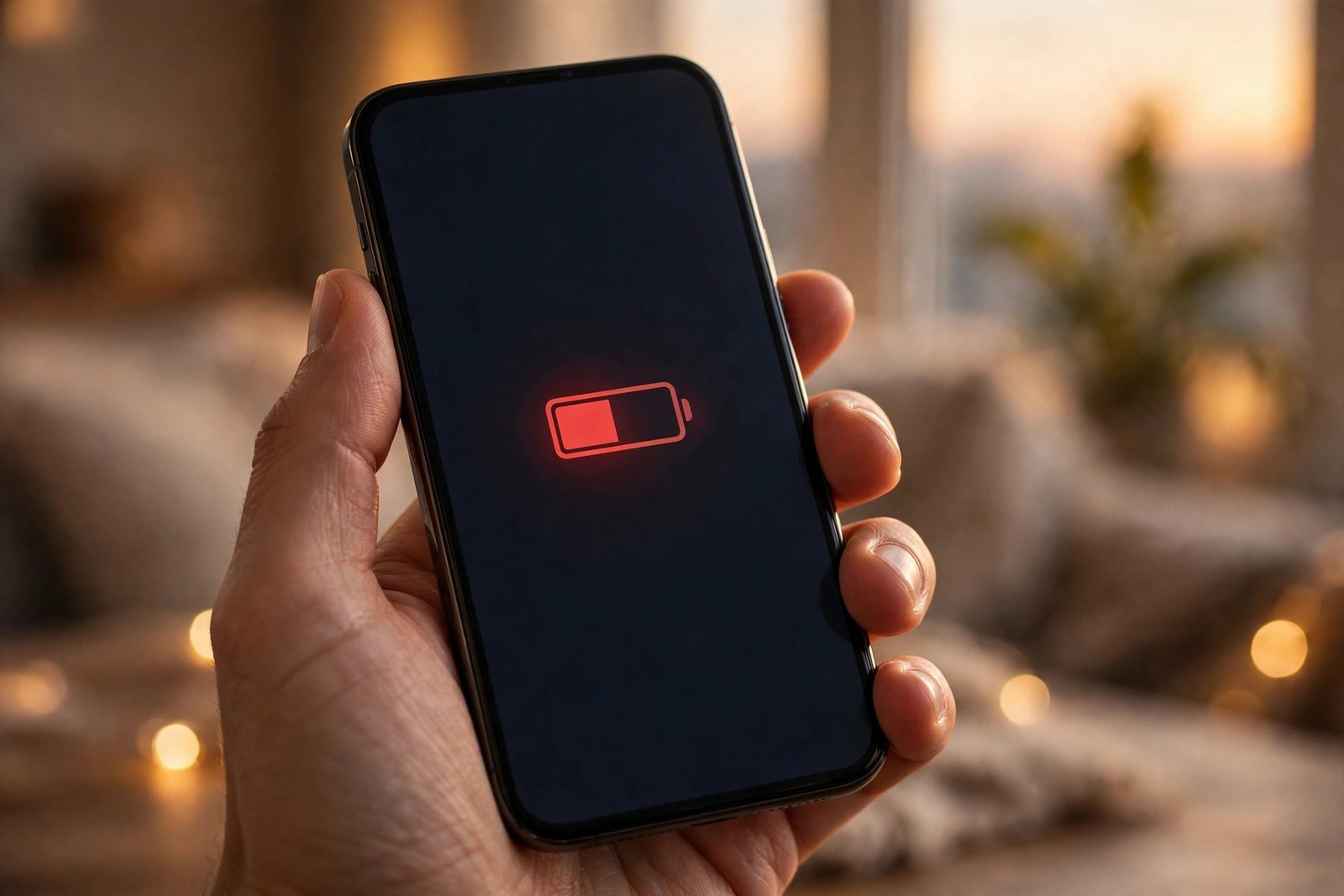
If you need an iPhone battery draining fast fix, the cause is usually a setting, an app running in the background, or a battery that has worn out with age. Start with Battery in Settings to find the cause, then work through the steps below. Why is my iPhone battery draining so fast, and what…