The best phone under 300 uk in 2026 is the one that balances a bright, smooth screen, a dependable camera and a battery that comfortably lasts a full day. At this price you no longer have to accept the compromises of the cheapest mobiles, but you still need to choose carefully.
Stepping up from the under-£200 bracket usually buys you a better screen, a more capable camera, faster charging and a longer update promise. This guide explains what actually improves at this price, what still involves compromise, and how to shortlist the right model for the way you use your mobile.
It is written for anyone upgrading from an older mobile, buying a first smartphone with a sensible budget, or replacing a broken handset without paying flagship prices.
What to Look For in the best phone under 300 uk
Think of this price range as the sweet spot for most buyers. The features below are the ones that make a real difference day to day, in roughly the order you should check them.
| Feature | What improves at this price | What to check |
|---|---|---|
| Screen | Brighter, smoother scrolling | Readable outdoors, comfortable for video |
| Camera | Better low-light photos and steadier video | Night mode, video stabilisation |
| Battery | Large battery with faster charging | All-day life, quick top-ups |
| Performance | Snappier apps and smoother multitasking | No stutter when switching apps |
| Storage | More room for photos and apps | Enough space for a few years of use |
| Updates | Longer security update promise | A clear, published update policy |
The screen is usually the most obvious upgrade. A smooth high-refresh-rate screen makes scrolling feel fluid, and higher brightness helps outdoors. If you watch a lot of video, this alone can justify the step up from a cheaper model.
The camera also improves in ways you will notice. Daylight photos are good on almost any modern mobile, but at this price you start to get a proper night mode for evening shots and steadier video when walking. If photos matter to you, look for those two features rather than headline numbers.
Battery life is the third big win. A large battery paired with fast charging means you can get through a busy day and top up quickly when you do need power. Over time, it helps to know how to check Samsung battery health (or the equivalent setting on your brand) so you can spot wear early.
Which Ranges Should You Shortlist?
As with cheaper mobiles, the safest approach is to stick to established ranges from brands with UK support. These are the families most UK buyers consider at this price.
Samsung Galaxy A Series
The higher models in the Galaxy A series are a popular step-up choice, with a clear update policy, bright screens and widely available accessories. They suit buyers who want a familiar interface and long-term support.
Redmi Note Series
The Redmi Note series from Xiaomi is known for generous features for the money, often including a smooth screen, fast charging and capable cameras. The software is busier than some rivals, with more pre-installed apps, so try the interface if you can. For help with Xiaomi products, see Xiaomi UK service and support.
Motorola Moto G Series
The Moto G series focuses on clean software and strong battery life. It is a good fit if you want a straightforward mobile without layers of extra apps, and the range has a long track record in the UK budget market.
Google Pixel a-Series
The Pixel a-series brings Google’s camera processing and clean software to a lower price than the flagship Pixel models. It suits buyers who care most about photo quality and timely updates.
For many buyers, the best phone under 300 uk will come from one of these four families. Choose based on your top priority — screen, camera, battery or simplicity — rather than trying to find a model that wins at everything.
How to Shortlist the Right Model: 6 Steps
- Pick your top two priorities. For example, camera and battery, or screen and updates. No mobile at this price is best at everything, so decide what matters most.
- Check the update promise. A clear, published policy for security updates keeps your mobile safe and your banking apps working for longer.
- Compare screens in person if you can. Brightness and smoothness are hard to judge from a description. Even a quick look tells you a lot.
- Test the camera with your own photos. Take a few shots in mixed light and check them at full size, not just on the small preview.
- Confirm storage and charging. Make sure there is enough room for your photos and apps, and that fast charging is supported with a charger you own or can buy.
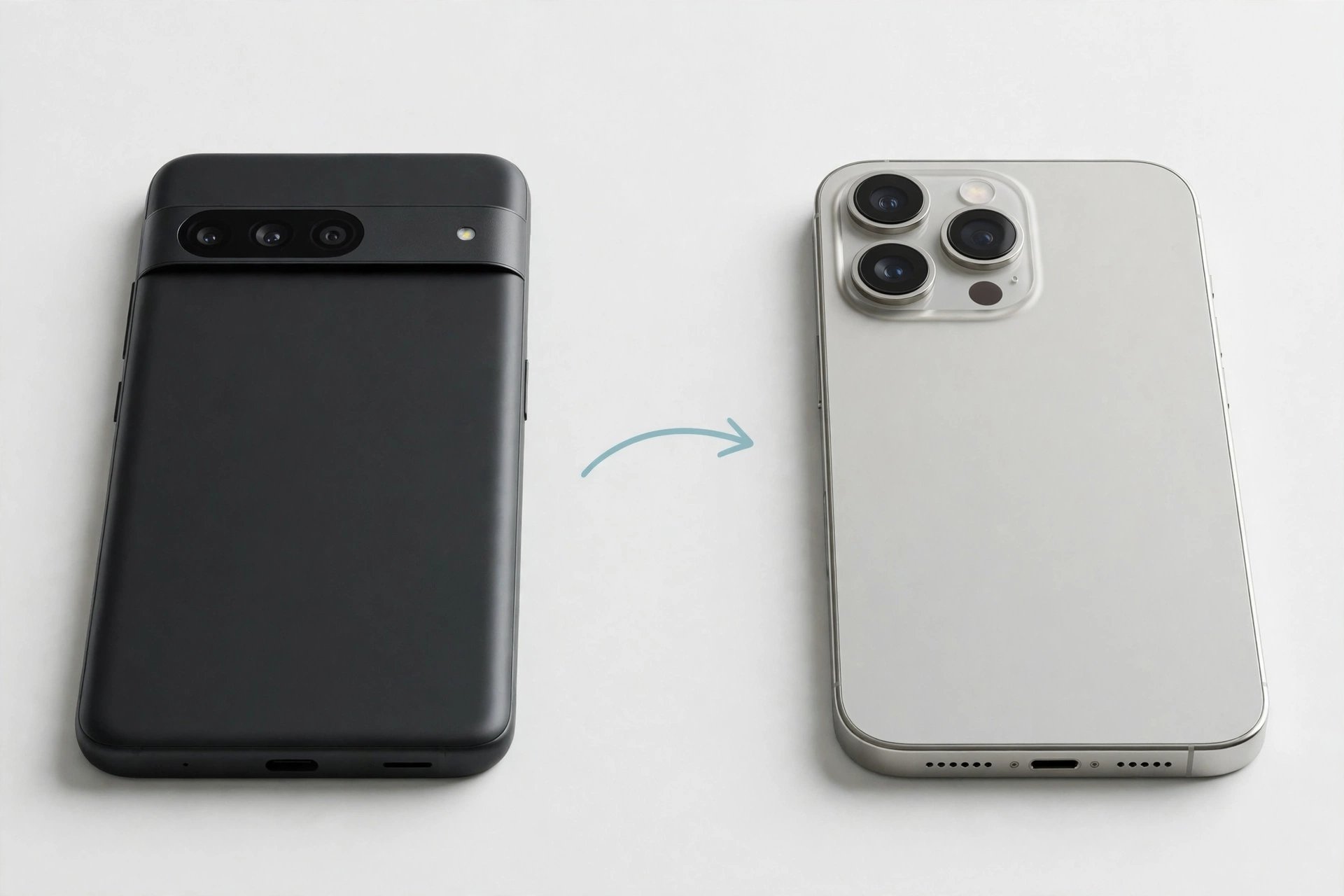
- Plan the switch. Moving your photos, messages and apps takes a little preparation. If you are changing platform, our guide on how to transfer data from Android to iPhone walks through the process.
What Still Involves Compromise Under £300?
Even at this price, some flagship features are rare. You are unlikely to get the very best low-light camera, the fastest wireless charging, or premium materials such as a metal frame. Water resistance, if present, is usually basic splash protection rather than full submersion rating.
None of that stops these mobiles being excellent everyday choices. The key is to spend on the features you use daily — screen, camera, battery and updates — and not worry about extras you would rarely touch.
For more buying guides and practical help, visit the Mobile Phones Shops UK homepage.
Should You Buy SIM-Free or on Contract?
At this price, buying SIM-free and pairing the mobile with a SIM-only deal often works out cheaper over the life of the handset than a traditional contract, because you are not paying interest on the mobile itself. It also means you can change networks whenever a better deal appears, rather than waiting for a contract to end.
A contract can still suit you if you prefer one monthly payment and do not want to pay upfront. If you go that route, compare the total cost over the full term — including any upfront payment — rather than judging by the monthly figure alone. Also check what happens at the end of the term, and whether the mobile is yours to keep or must be returned.
Whichever route you choose, keep the mobile itself as your first priority. A handset that suits how you actually use it will still feel like good value in year three, long after the novelty of a deal has worn off.
Frequently Asked Questions
Is it worth paying up to £300 instead of under £200?
For most people, yes. The step up usually brings a noticeably better screen, a more capable camera with night mode, faster charging and a longer update promise. If you only need calls, messages and basic apps, a cheaper model may be enough.
How long should a mobile at this price last?
With a clear update promise and a battery that still holds charge, several years of everyday use is realistic. The battery will gradually wear, so fast charging and good charging habits help it stay practical for longer.
Should I choose 5G at this price?
Most models in this range include 5G, and it is worth having if you plan to keep the mobile for a few years. It future-proofs your handset as networks develop, even if you do not use 5G speeds every day.
What matters more: camera or battery?
It depends on how you use your mobile. If you take photos daily, prioritise the camera and its night mode. If you are away from a charger all day, prioritise battery life and fast charging. Decide before you compare models, not after.
Can I move my photos and messages to a new mobile easily?
Yes. Modern setup tools move most of your photos, contacts and messages automatically, whether you stay on the same platform or switch. Back up your old mobile first, keep both charged, and allow plenty of time for the transfer.
Did this fix it? Leave a comment below and let us know what worked.
Leave a Reply